Documentation
Agent calling API
Give any AI agent a phone. You supply an objective, some context, and the fields you want extracted. By Your Side's AI conducts the call and hands back a structured result.
What it does
When you call POST /v1/agent/calls, By Your Side places a real outbound phone call using your own number. The AI on the call pursues the goal you described, converses naturally with whoever answers, and ends the call once the objective is met (or it becomes clear the objective cannot be met). You do not need a voice stack or a telephony account beyond your By Your Side subscription.
After the call ends, the API returns a summary, a full transcript, a recording URL, and the structured data you asked to extract. The same result arrives on your webhookUrl if you supplied one.
Key concepts
- Objective-driven, not raw streaming. You describe a goal in plain text. By Your Side's AI decides how to accomplish it during the call. You receive a result, not a raw audio stream.
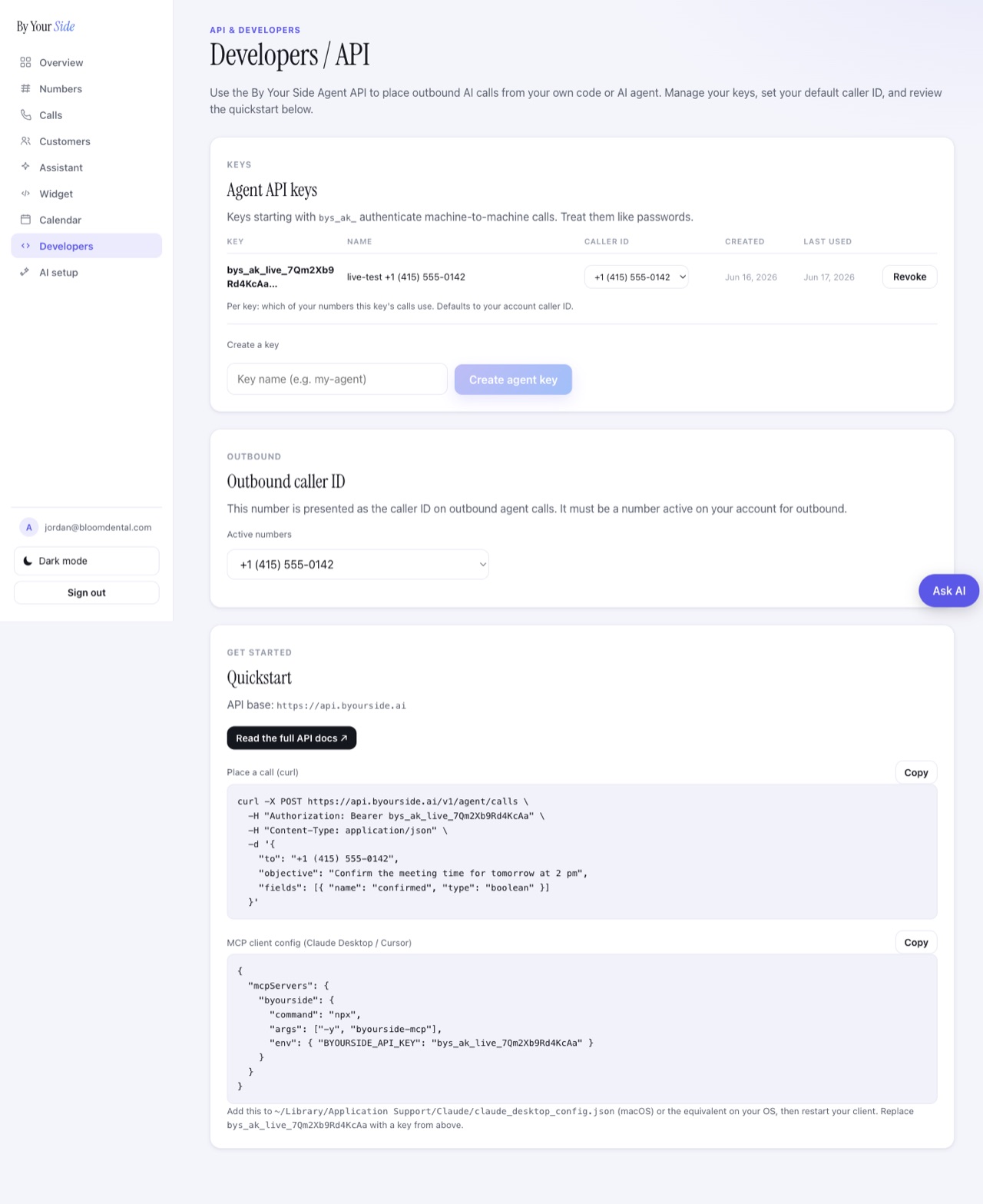
- Your own number is the caller ID. Every call goes out from a phone number on your account. Set a default in the dashboard (Account - Developers) or pass
callerIdper call. The number must belong to your account. - Asynchronous. Place a call and get back a
callIdimmediately. The call itself runs in the background and may take minutes. PollGET /v1/agent/calls/{id}until the status is terminal, or set awebhookUrlto receive the result automatically. - Structured extraction. Pass a
fieldsarray when placing the call. After the call ends, each field is extracted from the transcript and returned in theextractedobject. - Guardrails apply to every call. Allowed destinations are US, CA, GB, AU, NZ, and IL. Premium-rate, satellite, and IRSF-listed numbers are blocked automatically. Rate and usage caps apply per account.
Call lifecycle
A call moves through the following statuses. The first three are non-terminal (the call is still in progress); the last five are terminal (no further state change).
| Status | Meaning |
|---|---|
queued | Accepted, not yet dialing. |
dialing | Dialing the destination. |
in_progress | Call is live, the AI is speaking. |
completed | Call finished normally. Summary and extracted fields are available. |
no_answer | Destination did not pick up. |
voicemail | Reached voicemail. |
declined | Call was rejected by the recipient. |
failed | Technical failure. Retry if needed. |
Three ways to use it
- REST API. Direct HTTP calls from any language or environment. Start with the Quickstart and see the full API reference.
- MCP server. Let Claude Desktop, Cursor, or any MCP-compatible AI agent place calls and poll for results as tool calls. See MCP server.
- SDKs. Zero-dependency Python and Node clients with a
wait_for_callhelper that handles polling for you. See SDKs.
Webhooks for real-time events. Set a webhookUrl when placing a call to receive events as the call progresses. A call.in_progress event fires when the call is answered; a call.<status> event fires at the terminal state. See Webhooks.